
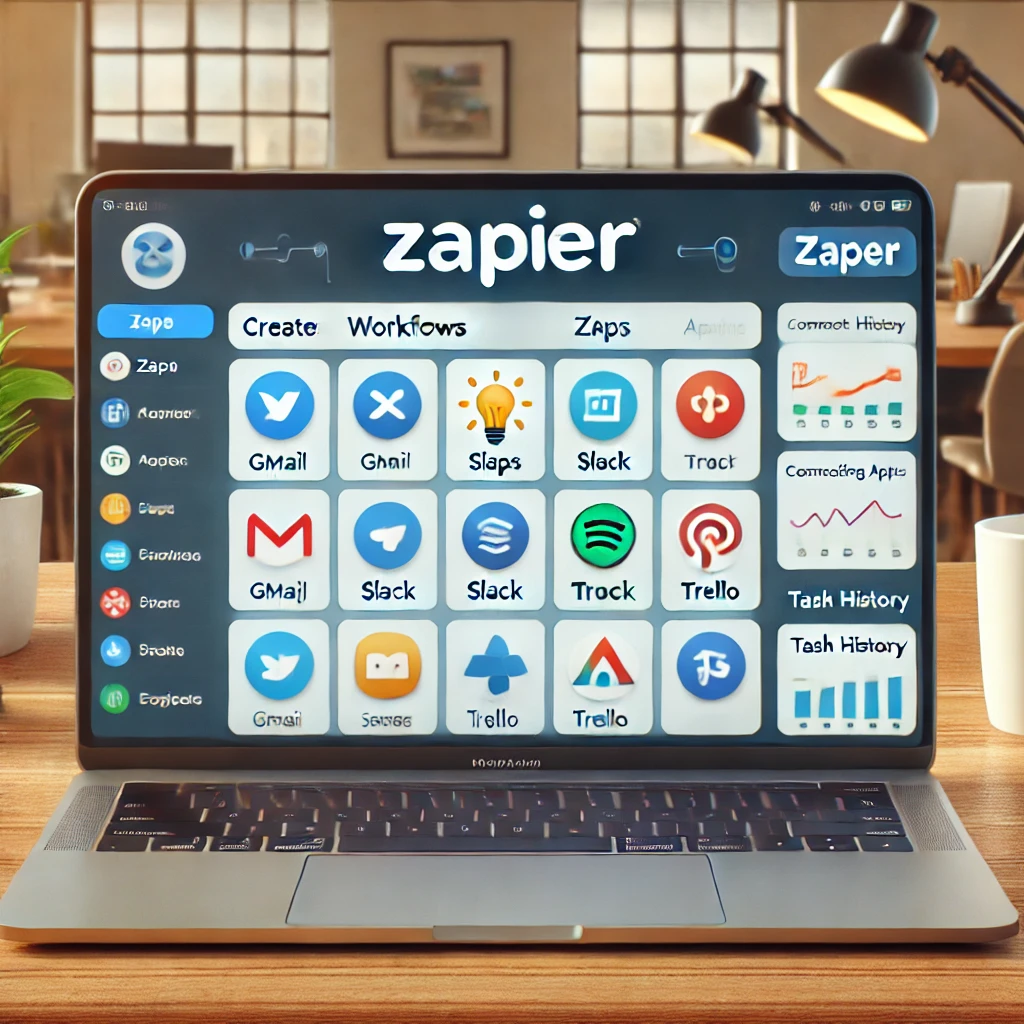
Maximizing Efficiency with Zapier Automation
Efficiency is vital in the digital age. Businesses are always looking for ways to streamline operations and boost productivity.
Enter Zapier Automation.
Zapier is a powerful tool for connecting your favorite apps and automating tasks. It’s like having a virtual assistant who works 24/7 without needing coffee breaks.
This article will guide you through the world of Zapier Automation. We’ll explore how it works, its benefits, and how to set up your first ‘Zap.’
We’ll also explore advanced features and discuss when to consider alternatives. This guide is for small business owners, IT managers, and productivity enthusiasts.
Let’s dive in and discover how to maximize efficiency with Zapier Automation.
Understanding Zapier Automation
Before we delve into the specifics, let’s know what Zapier is.
Zapier is a web-based service that allows you to automate tasks between different online apps. It’s like a bridge that connects your favorite apps, enabling them to talk to each other.
What is Zapier?
Zapier is an integration tool. It connects over 3,000 apps, from Gmail and Slack to Trello and Google Sheets.
The beauty of Zapier lies in its simplicity. You don’t need to be a tech wizard to use it.
How Zapier Works: The Basics of Zaps
At the heart of Zapier are ‘Zaps’. A Zap is an automated workflow that connects your apps and services.
Creating a Zap involves two main components: a trigger and an action. The trigger is the event that starts the Zap, such as receiving a new email in Gmail.
The action follows the trigger, such as saving the email attachment to Dropbox. Together, the trigger and action form a Zap, automating a task you would otherwise do manually.
The Benefits of Automating with Zapier
Zapier Automation offers numerous benefits. It’s not just about saving time but also about improving the quality of your work.
By automating repetitive tasks, you can focus on what truly matters. This leads to increased productivity and efficiency.
Streamlining Workflows Across Apps
One of Zapier’s main advantages is its ability to streamline workflows. It connects your apps, allowing them to work together seamlessly.
This means you can automate tasks that involve multiple apps. For example, you can create a Zap that saves your Gmail attachments to Dropbox and then alerts you on Slack.
Reducing Errors and Saving Time
Automation also reduces the chance of errors. By letting Zapier handle repetitive tasks, you minimize the risk of human error.
Moreover, Zapier saves you time. Instead of switching between apps and performing tasks manually, you can let Zapier do the work. This leaves you with more time to focus on strategic tasks.
Setting Up Your First Zap
Getting started with Zapier is straightforward. The platform is designed to be user-friendly, even for those without a technical background.
Step-by-Step Guide to Creating a Zap
To create a Zap, you first need to choose a trigger. This is the event that will start your Zap. For example, receiving an email in Gmail could be a trigger.
Next, you select an action. This is what happens when your trigger event occurs. Using the previous example, the action could be saving the email’s attachment to Dropbox.
Finally, you test your Zap to ensure it works as expected. If everything is in order, you can turn your Zap on and it will start automating your task.
Tips for Effective Zap Configuration
When setting up your Zap, it’s essential to be specific. Make sure your trigger and action are clearly defined to avoid any confusion.
Also, remember to test your Zap thoroughly. This will help you catch any issues before they cause problems.
Exploring Zapier’s Advanced Features
Zapier offers more than just basic automation. It has a range of advanced features that can further enhance your workflows.
Multi-Step Zaps and Conditional Logic
One such feature is multi-step Zaps. These allow you to automate complex workflows involving multiple actions. For instance, you can create a Zap that sends an email, updates a spreadsheet, and posts a Slack message all in one go.
Zapier also supports conditional logic. This means you can set up your Zaps to perform different actions based on specific conditions, adding a layer of flexibility to your automation.
Using Webhooks for Custom Integrations
Webhooks are another powerful feature of Zapier. They allow you to create custom integrations with apps not natively supported by Zapier.
With webhooks, you can send or receive data to/from any app that supports them. This opens up a world of possibilities for your automation workflows.
Alternatives to Zapier: Other Automation Tools
While Zapier is a powerful tool, it’s not the only player in the automation game. Several other tools offer similar functionality.
When to Consider Zapier Competitors
You might consider alternatives to Zapier if you need specific features that Zapier doesn’t offer or if Zapier’s pricing model doesn’t fit your budget.
A Look at Popular Zapier Alternatives
Some popular alternatives to Zapier include Integromat, Automate.io, and Microsoft Power Automate. Each of these tools has its strengths and weaknesses, so it’s worth exploring them to find the best fit for your needs.
Maximizing Your Zapier Experience
To get the most out of Zapier, it’s essential to understand its capabilities and how to use them effectively. This involves setting up Zaps and managing and optimizing them over time.
Best Practices for Workflow Automation
One key to successful automation is to start small. Begin with simple, repetitive tasks and move on to more complex workflows. Also, remember to review and update your Zaps regularly to ensure they’re still relevant and efficient.
Measuring the Impact of Zapier Automation
To understand the value of Zapier, you need to measure its impact. This could be in terms of time saved, errors reduced, or tasks completed. By tracking these metrics, you can quantify the benefits of automation and make informed decisions about future investments in this area.
Conclusion: The Future of Automation with Zapier
As businesses continue to seek efficiency, the role of automation tools like Zapier will only grow. With its robust features and continuous improvements, Zapier is well-positioned to lead this automation revolution.
Embracing Zapier today could give your business a competitive edge tomorrow. So, start exploring and maximizing the potential of Zapier Automation now.