
10 Tips for Mastering QuickBooks

Managing small business finances can be challenging, but QuickBooks simplifies it. Whether new to this accounting software or looking to improve your skills, these ten tips will help you master QuickBooks.

1. Get Familiar with the Dashboard

The QuickBooks dashboard is your command center. Please spend some time exploring it. You’ll find critical features like account balances, expenses, and sales. Knowing where everything is will save you time in the long run.

2. Customize Your Invoices

Personalized invoices not only look professional but also help you get paid faster. QuickBooks allows you to customize your invoices with your logo, colors, and payment terms. Take advantage of this feature to make a good impression.

Custom invoices

by Naufal Giffari (https://unsplash.com/@naufalcreed)

3. Connect Your Bank Accounts

Linking your bank accounts to QuickBooks can save you hours of manual data entry. The software will automatically import your transactions, making it easier to keep track of your finances in real time.

4. Use Categories for Transactions

Organizing your transactions into categories will give you a clearer picture of your expenses and income. QuickBooks lets you customize custom categories to fit your business needs.

5. Set Up Recurring Payments

Setting up recurring payments can save you time if you have regular expenses like rent or utilities. QuickBooks allows you to automate these payments, ensuring you never miss a due date.

6. Take Advantage of Reports

QuickBooks offers a variety of reports that can provide valuable insights into your business finances. These reports can help you make informed financial decisions, from profit and loss statements to balance sheets.

7. Reconcile Your Accounts Regularly

Reconciling your accounts ensures that your QuickBooks records match your bank statements. Doing this monthly can help you catch errors early and keep your financial data accurate.

8. Use the Mobile App

QuickBooks has a mobile app that allows you to manage your finances. You can track spending, pay bills, and check account balances on your phone to better manage your money.

Mobile accounting

by Austin Distel (https://unsplash.com/@austindistel)

9. Back Up Your Data

Your financial data is crucial, so back it up regularly. QuickBooks offers automatic backups, but having a manual backup plan in place is also a good idea.

10. Seek Help When Needed

If you’re ever stuck, QuickBooks offers a range of support options. From online tutorials and forums to customer service, help is always available. Don’t hesitate to seek assistance when you need it.

You can become a QuickBooks pro in no time by following these ten tips. Mastering this powerful accounting software will make managing your small business finances much easier and more efficient.

Have more tips or questions? Could you share them in the comments below?
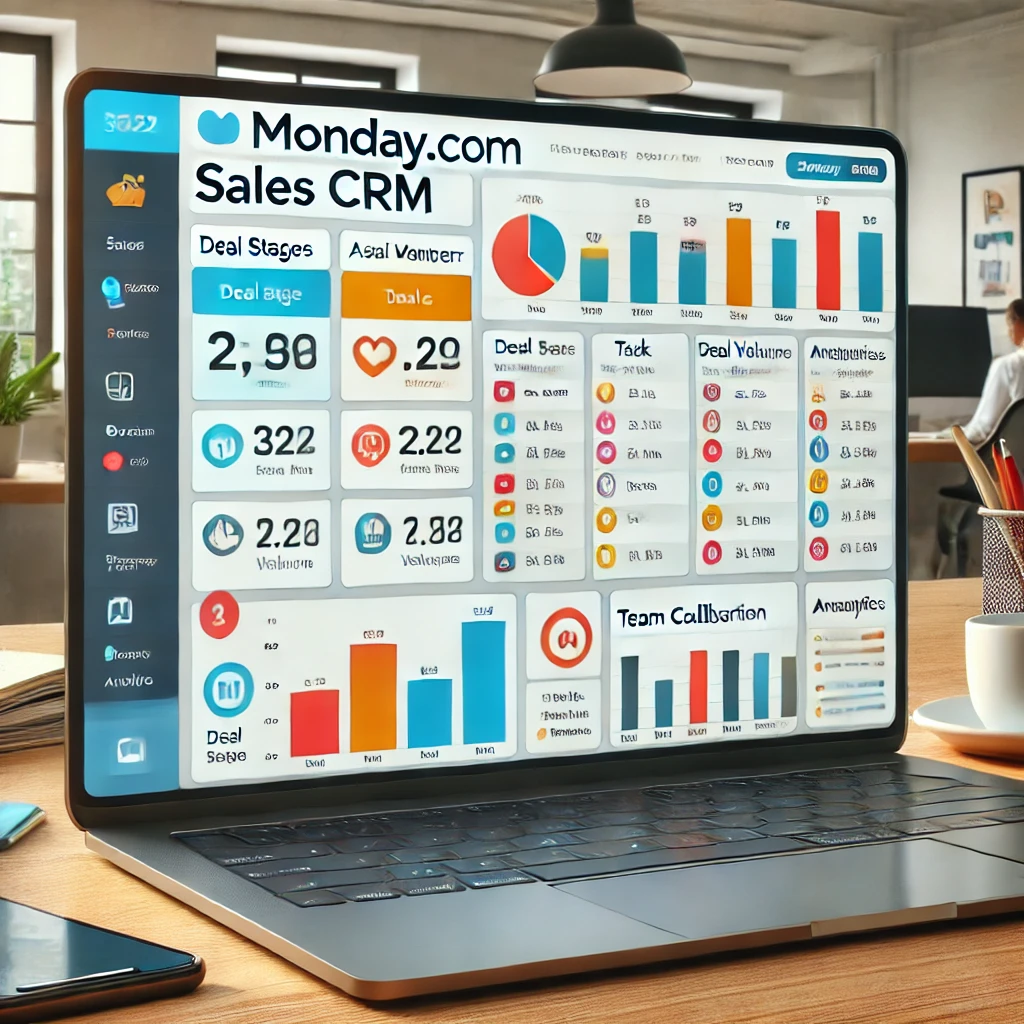
Monday.com's Sales CRM
Elevate Your Sales with Monday.com CRM: A Comprehensive Guide

Monday.com CRM (Customer Relationship Management) is a versatile platform that helps businesses streamline their sales processes, manage customer interactions, and boost productivity. As part of the broader Monday.com work operating system, the CRM module offers tools for automating workflows, tracking sales progress, and enhancing team collaboration.

Monday.com's Sales CRM
Monday.com’s Sales CRM

Introduction

In today’s competitive marketplace, leveraging a robust CRM system like Monday.com CRM can be a game-changer for your business. This post will explore Monday.com CRM’s key features and benefits and how it can help optimize your sales processes.

What is Monday.com CRM?

Monday.com CRM is a dynamic component of the Monday.com work operating system, designed to manage and enhance customer relationships and sales activities. It offers customizable workflows and a user-friendly interface to streamline your sales pipeline and improve team collaboration.

Key Features of Monday.com CRM

1. Sales Pipeline Visualization

  • Description: Track the progress of deals visually with customizable pipelines that reflect your unique sales process.

2. Automation Tools

  • Description: Automate repetitive tasks like lead assignments and follow-up reminders to increase efficiency and reduce errors.

3. Integrated Communication

  • Description: Keep all your team’s communications with clients in one place, ensuring no details are lost and enhancing customer engagement.

4. Performance Analytics

  • Description: Gain insights into sales performance with analytics and reporting tools that help identify trends and areas for improvement.

Benefits of Using Monday.com CRM

  • Enhanced Collaboration: Facilitates better team collaboration within a centralized platform.
  • Increased Productivity: Automates routine tasks, allowing your team to focus on more strategic activities.
  • Improved Customer Relationships: Maintains detailed records of customer interactions, ensuring personalized and timely follow-ups.
  • Scalable Solutions: Adapts to your business needs and grows with you as your business expands.

How Monday.com CRM Integrates with Your Business Tools

Monday.com CRM seamlessly integrates with various external tools and services, including email platforms, social media, and other productivity apps, making it a central hub for all your business operations.

User Reviews and Testimonials

Feature customer stories and testimonials to showcase real-life success stories and feedback from businesses that have integrated Monday.com CRM into their workflows.

Conclusion

Monday.com CRM offers a powerful, flexible solution for managing customer relationships and sales activities. By harnessing its full potential, businesses can ensure they remain competitive and responsive in the evolving market landscape.